We're excited to announce that in addition to our built-in TRL/Unsloth based trainer, Datawizz now supports a new training option—Tinker!
❓What is Tinker
Tinker is a training API from Thinking Machines that lets you focus on your data and algorithms while it handles the messy distributed training infrastructure behind the scenes.
Why Tinker on Datawizz?
By integrating Tinker into Datawizz, you get:
Zero setup: No GPU cluster configuration needed—just click and train
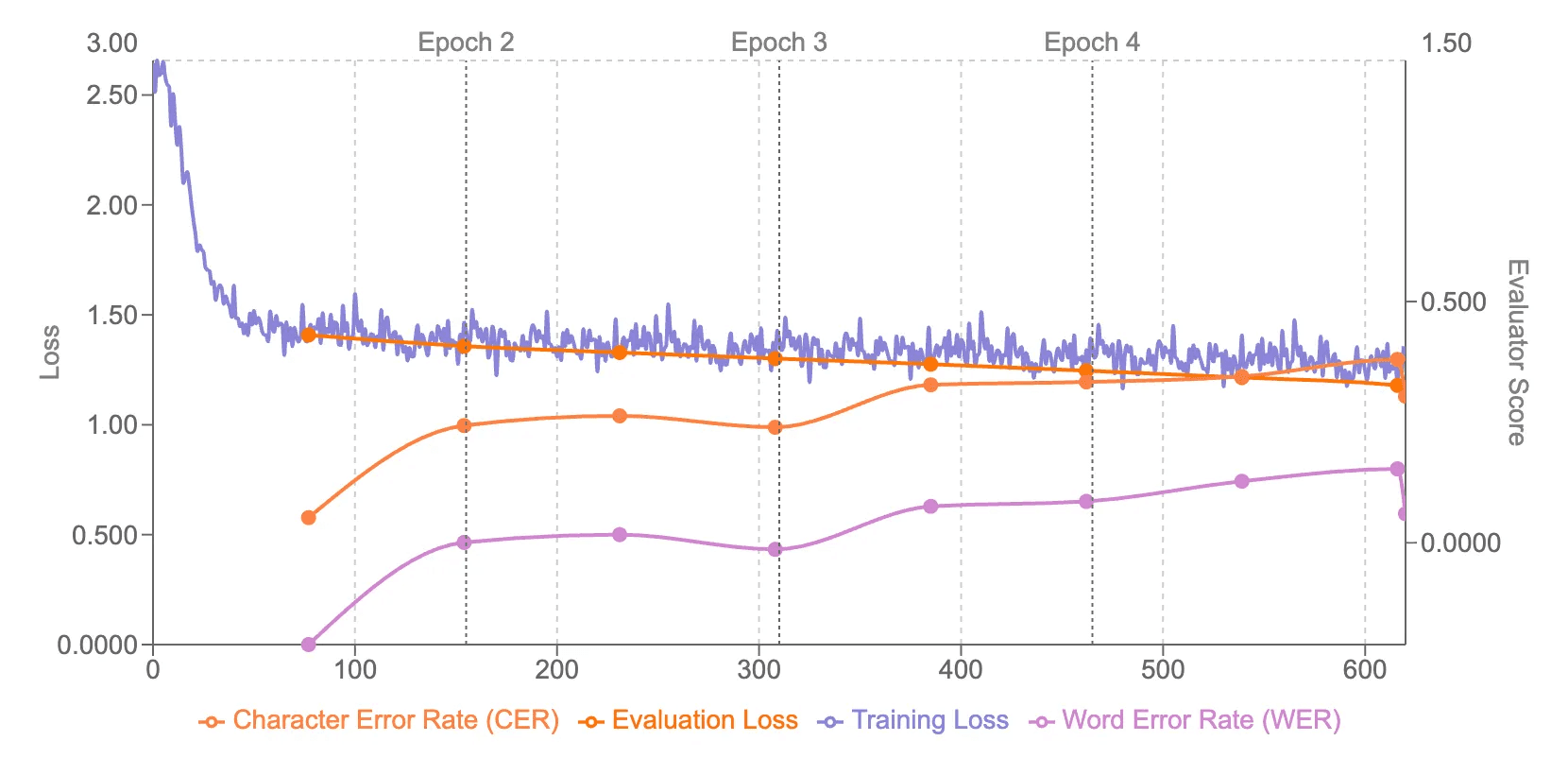
Visual monitoring: Real-time loss curves and evaluation metrics in your dashboard
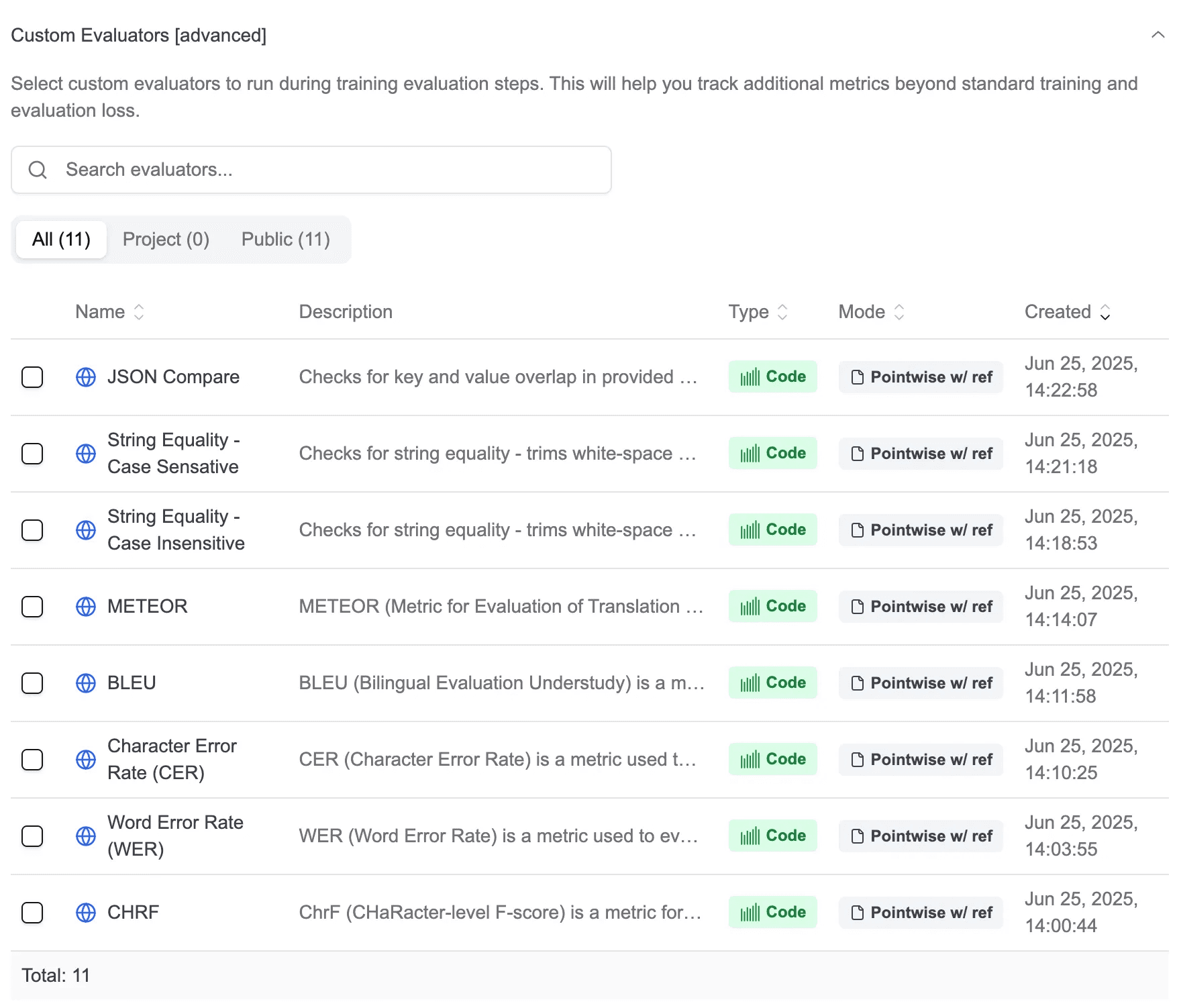
Custom evaluators: Add your own evaluation logic directly in the UI, runs automatically during training
Train to deploy: One-click deployment to Datawizz Serverless when training completes
📋 What's Available Now
Tinker currently supports SFT (Supervised Fine-Tuning) for:
Llama-3.2 8B Instruct
Qwen 8B
🔮 What's Coming Next
We're actively expanding our Tinker integrations. Here's what's on the roadmap:
Additional Language Models: Support for more popular open-source models across different sizes
Vision-Language Models: Enable fine-tuning of multimodal models for vision-language tasks
Advanced Training Methods: Reinforcement Learning (RL) techniques such as GRPO, DPO.
🚀 How to Use
Getting started with Tinker is simple:
Navigate to the Model
Find a Tinker-supported model (for now all 8B models)
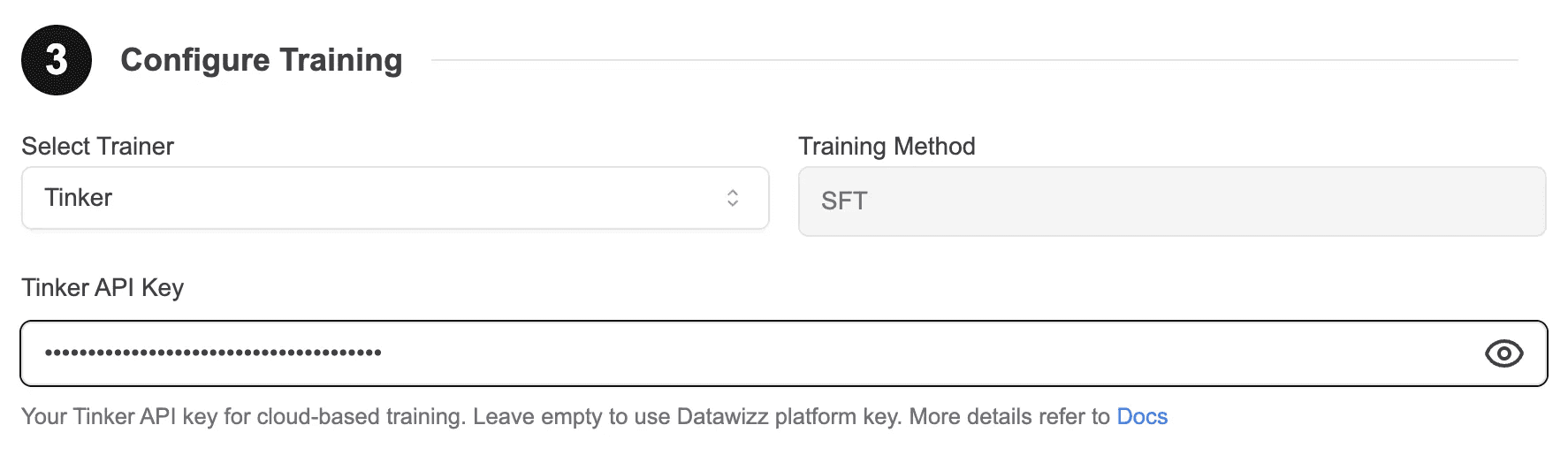
Select Tinker in the Select Trainer dropdown
Enter your Tinker API Key, or leave it empty to use the Datawizz platform key
When creating a new training job, Tinker will automatically retrieve the API key from your previous Tinker-based training
⚙️ Comprehensive Training Parameters
Datawizz plus Tinker provides flexible parameter configurations, giving you full control over the training process:
Basic Parameters
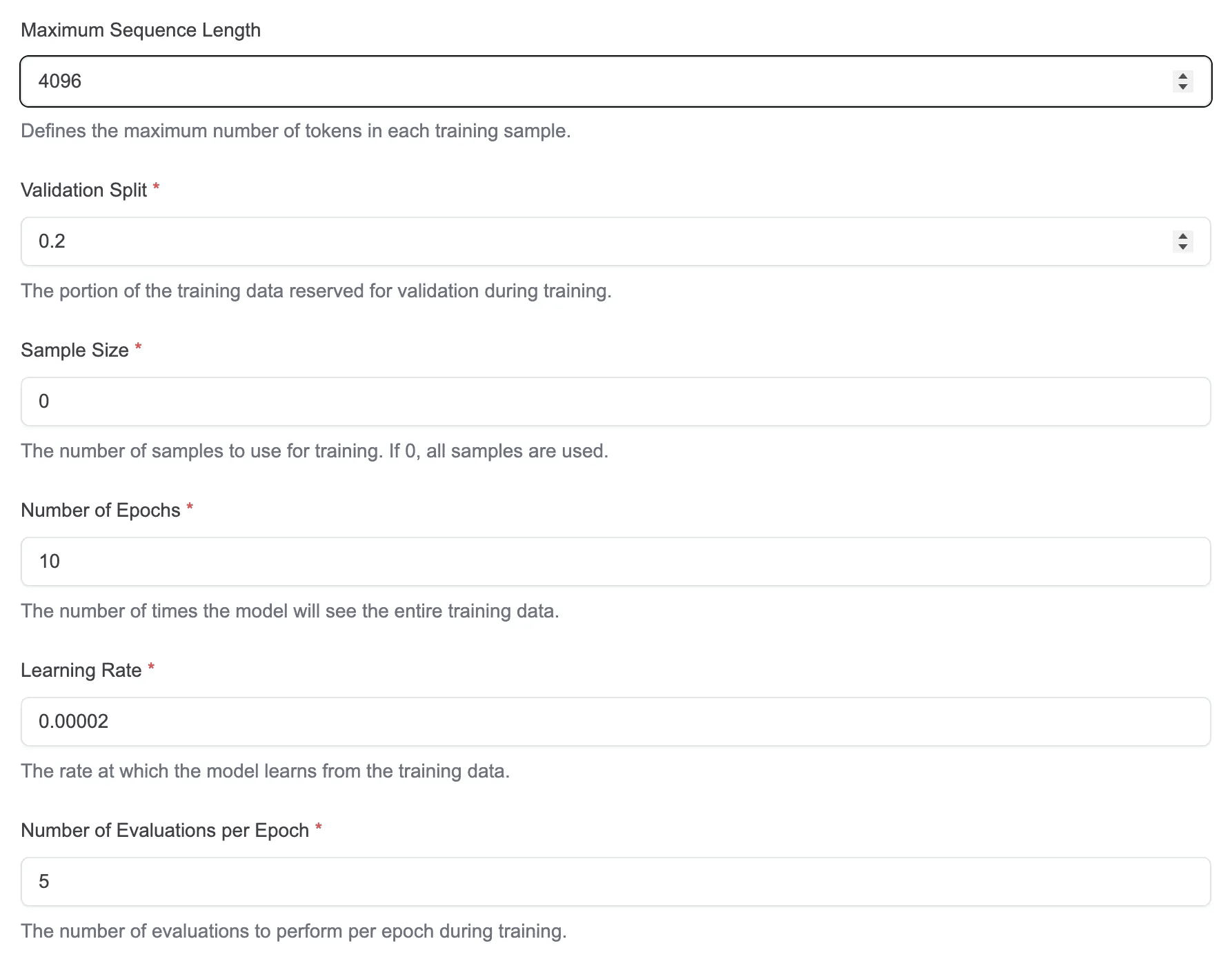
Maximum Sequence Length: Defines the maximum number of tokens in each training sample
Validation Split: The portion of the training data reserved for validation during training
Sample Size: The number of samples to use for training. If 0, all samples are used
Number of Epochs: The number of times the model will see the entire training data
Learning Rate: The rate at which the model learns from the training data
Number of Evaluations per Epoch: The number of evaluations to perform per epoch during training
LoRA Parameters
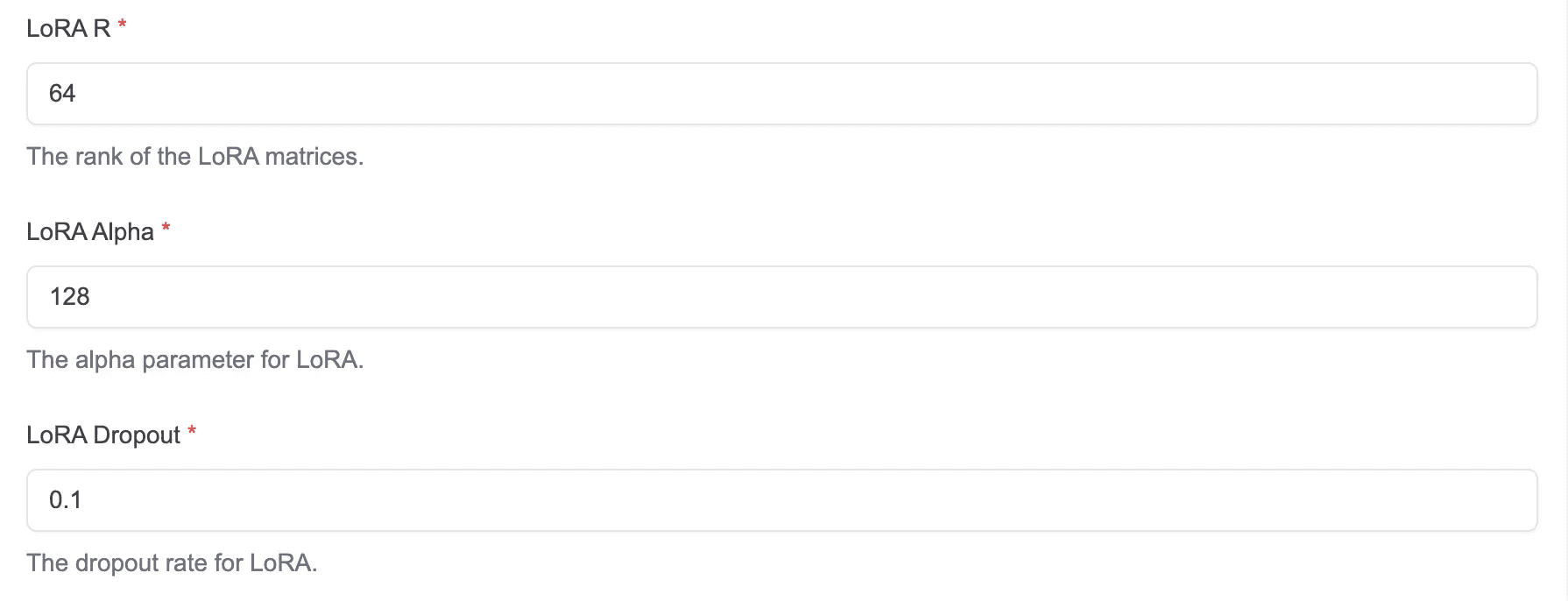
LoRA R: The rank of the LoRA matrices
LoRA Alpha: The alpha parameter for LoRA
LoRA Dropout: The dropout rate for LoRA
Advanced Options
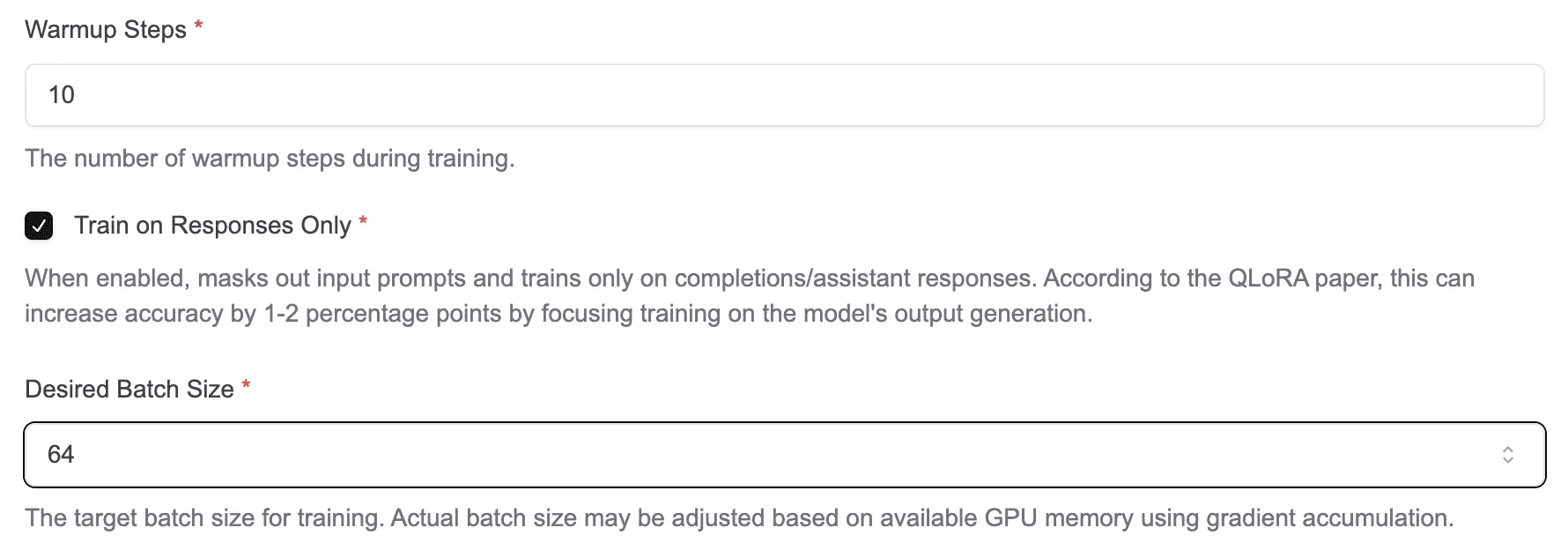
Warmup Steps: The number of warmup steps during training
Train on Responses Only: When enabled, masks out input prompts and trains only on completions/assistant responses. According to the QLoRA paper, this can increase accuracy by 1-2 percentage points by focusing training on the model's output generation
Desired Batch Size: The target batch size for training. Actual batch size may be adjusted based on available GPU memory using gradient accumulation.
🎯 Custom Evaluators
Just like with our other trainers, Tinker supports custom evaluators, allowing you to evaluate model performance based on your specific needs.
📊 Result Analysis
During and after training, you can monitor your model's performance through comprehensive visualizations. The training dashboard displays the loss curve on the left and normalized evaluator metrics on the right, giving you a complete view of both the training convergence and your custom evaluation metrics in real-time.
💡 Try It Out!
Ready to start your next model training? Give Tinker a try and experience a more flexible and powerful training workflow!
Once your training is complete, deploy your fine-tuned model effortlessly with Datawizz Serverless Deployment and start using it right away!